Arbiter is a self-custody Arbitrum wallet with Hyperliquid perpetuals built straight in. Hold USDC, open a leveraged position, set a stop — without handing your funds to an exchange. New to perps? Practice first with paper trading: a fake $10,000 on live prices, nothing signed or sent.
Non-custodial · Arbitrum only · Built by Cake Labs


Why Arbiter
Most wallets stop at holding. Most exchanges want custody. Arbiter does both ends properly — your keys never leave the device, and the order book is one tap from your balance.
Your seed is generated on device and never leaves it. No account, no email, no custodian standing between you and your funds.
Long or short with leverage on Hyperliquid's order book. Market, limit, stop-loss, take-profit and stop-limit, all signed locally.
Practice with a fake $10,000 against Hyperliquid's live prices. Limits, stops, leverage, liquidations and funding behave like the real thing — and nothing is signed or sent, so your real funds never move.
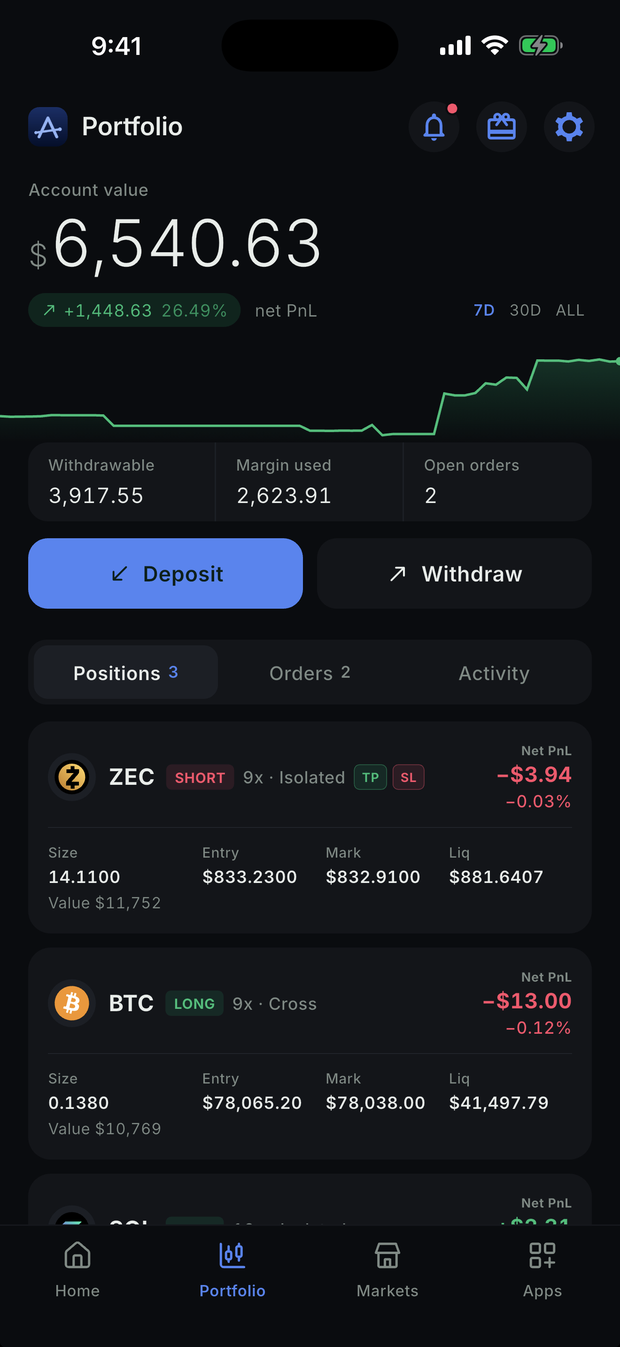
Attach a take-profit and a stop-loss to any open position in two taps, or close it at market. Positions show at a glance what's guarding them.
Fund your wallet with USDC or ETH on Arbitrum directly from the app, through regulated on-ramp partners.
Move between assets through several exchange providers at once, and take whichever quote is best at the moment you trade.
Wallet balance and trading balance side by side. Deposit to Hyperliquid and withdraw back without leaving Arbiter.
Trading
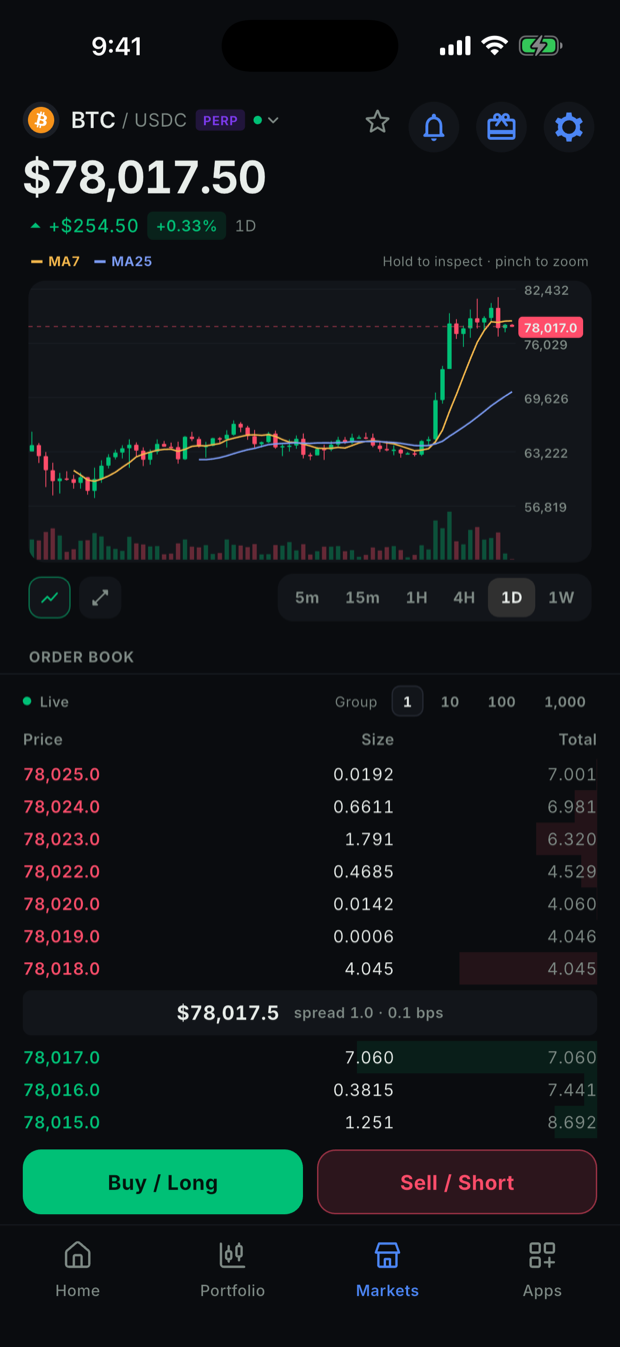
The trading side is a real client, not a widget. Live order book, candles across four timeframes, and every order type Hyperliquid supports.

Get started
Anyone can join — on iPhone through TestFlight, on Android through Google Play's open testing. No invite needed.
The APK skips Google Play's testing opt-in.
The DMG is signed and notarized — open it and drag Arbiter to Applications.
On Windows, run the installer — it installs for your account only, no admin needed; the portable ZIP must be extracted first (right-click → Extract All), since running Arbiter.exe from inside it fails with a missing-DLL error. It isn't code-signed yet, so Windows may say "Windows protected your PC" — choose More info → Run anyway.
Every download is build 71. Obtainium adds Arbiter to its update list and installs each new build from our GitHub releases the day it's cut — the same Play-signed APK, so it updates a Google Play install too.
Beta builds — expect rough edges, and trade with amounts you can afford to test with.
Linux · Alpha
Early alpha builds, lightly tested — a step behind the beta. Linux: make the AppImage executable (chmod +x) and run it; it needs a desktop keyring (GNOME Keyring or KDE Wallet).
Since build 61, Linux keeps Arbiter's data in ~/.config/arbiter, apart from Cake Wallet — if you use both, restore Arbiter from your seed phrase once.
Wallets and backups work across every platform; push notifications aren't available on Linux or Windows yet.